Three ways to eject
Pick whichever is closest to hand. Every one of them is one tap, one click, or one sentence.
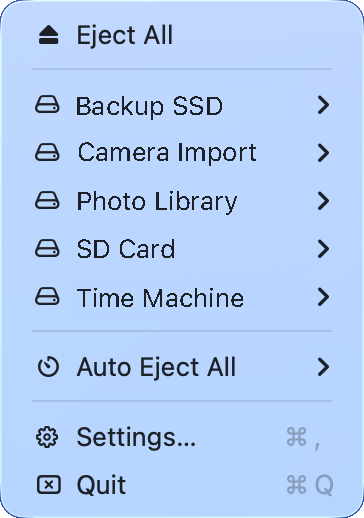
From the menu bar
Every external drive, SD card and disk image is one click away. Eject them all, or open a drive's submenu to eject just that one.
From your iPhone
See every Mac's drives in your pocket, eject them remotely and get told the moment a disk is safe to remove. Syncs through your own iCloud account.
By asking an AI
Add the Ejectify connector to Claude or ChatGPT and say what you want in plain words. Runs on your Mac, or over the internet through the optional relay.
Set a timer and walk away
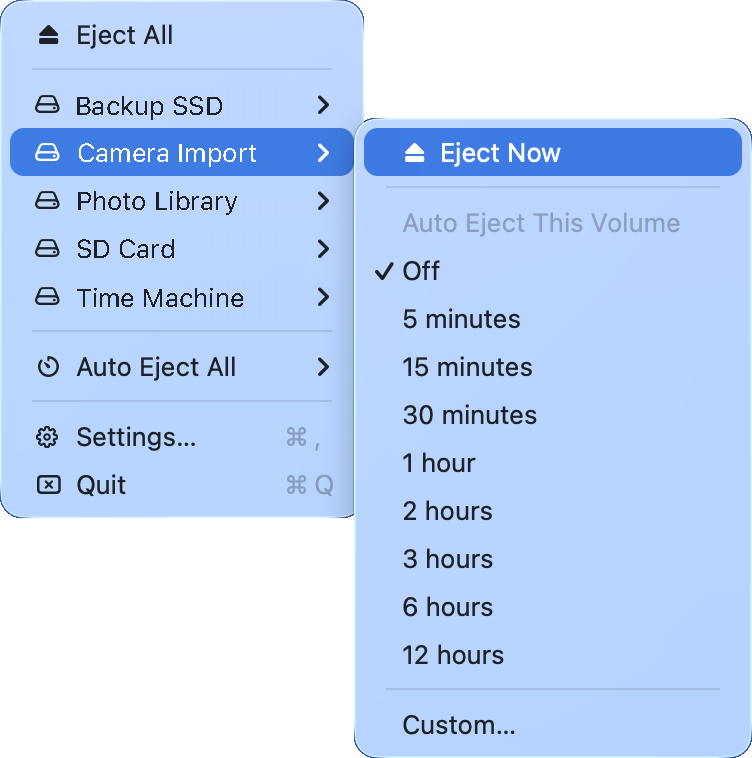
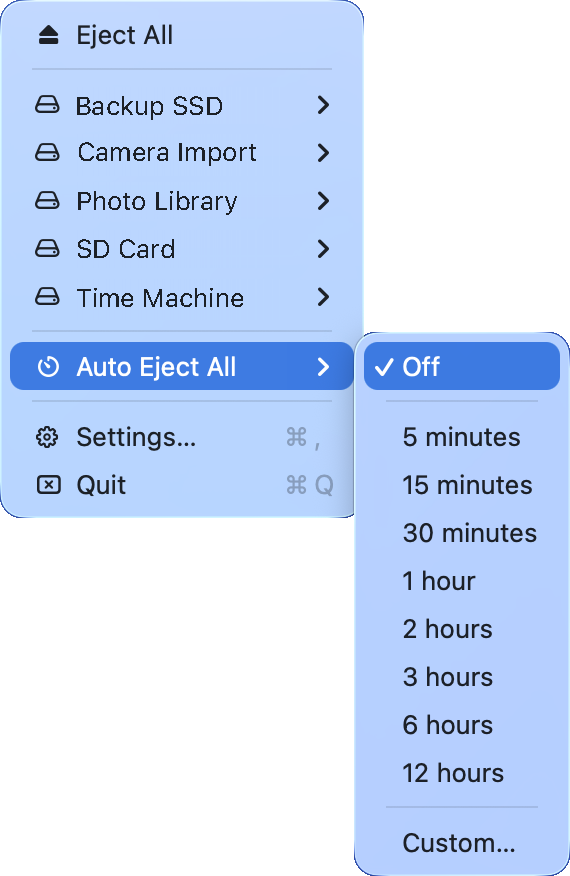
Start a backup, pick a countdown, and Ejectify ejects the drive when the time is up — for everything at once or for a single drive. The countdown runs live in the menu while you work.
Ejectify is free: eject all your drives, eject them one by one, and see everything in real time at no cost. The Auto-Eject timer is the one Premium feature — unlock it with a single one-time purchase of $3.99. No subscription, ever.
Everything a drive needs
Small app, complete job. Built for the Mac, and stays out of your way.
Eject All
One command for every external volume — drives, SD cards, USB sticks, disk images.
Per-drive control
Each drive has its own submenu: eject it now, or put it on its own timer.
Auto Eject timer
Set 5 minutes or 12 hours and walk away. The countdown runs live in the menu.
Eject before sleep
Ejects everything as the Mac goes to sleep, so closing the lid never leaves a warning behind.
Time Machine aware
Idle sleep waits for a running backup, and a drive in use is reported — never yanked.
Real-time detection
Plug a drive in and it appears. No refresh, no Finder window.
Your Mac's drives, in your pocket
Ejectify for iPhone and iPad shows every Mac you own, its drives and what's happening to them — and lets you eject from across the room.
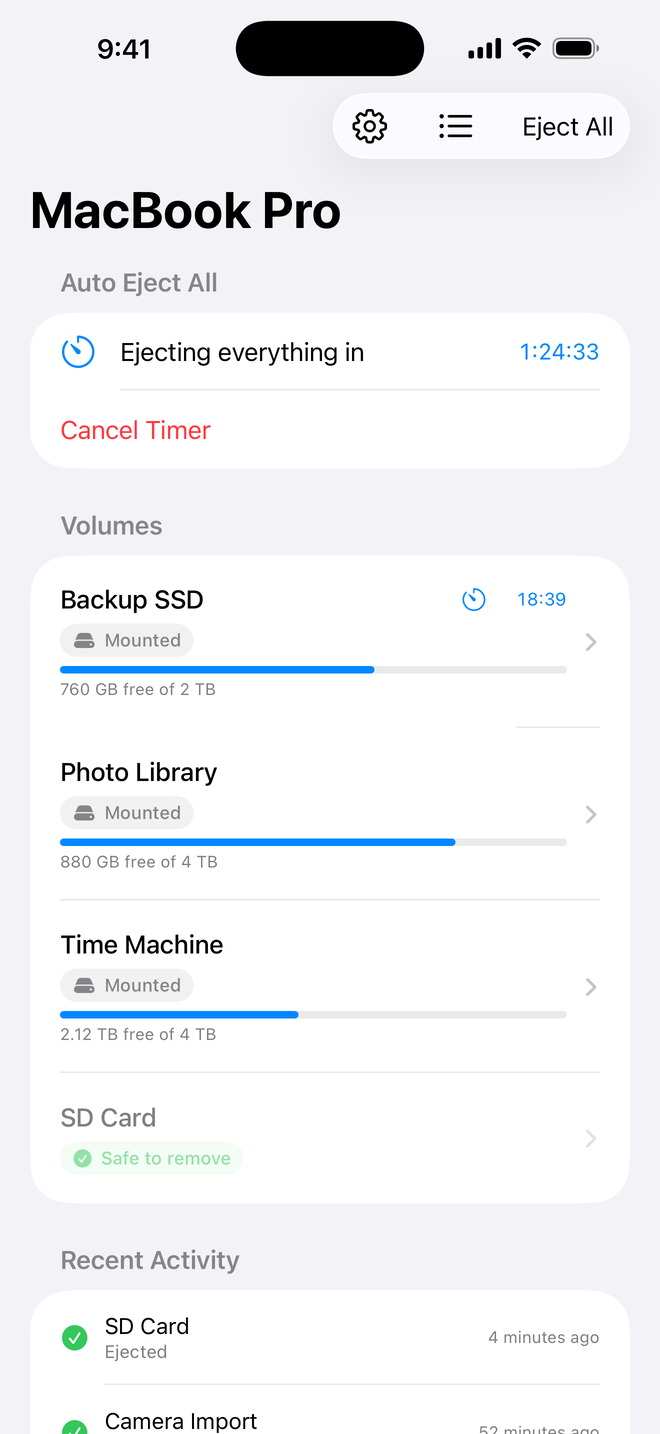
All your drives
Mounted volumes, free space and the running auto-eject timer, per Mac.
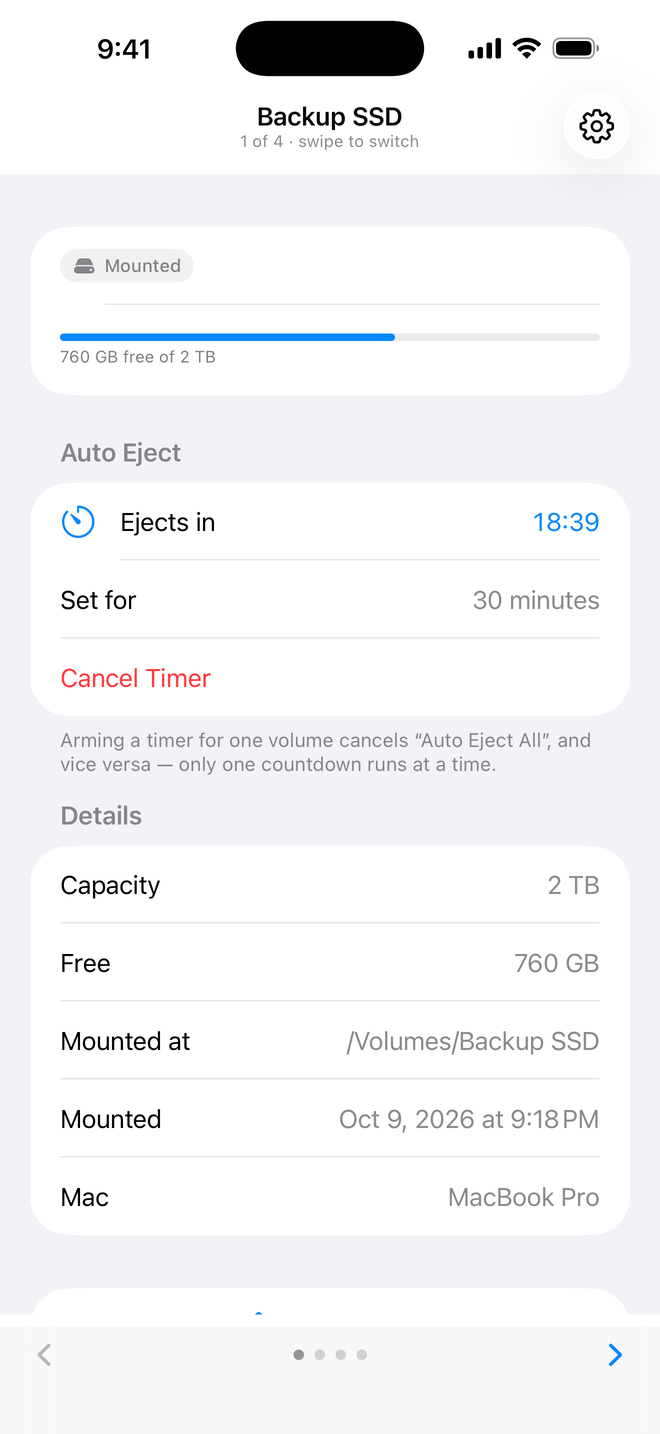
One drive in detail
Capacity, mount path and its own countdown. Swipe to the next drive.
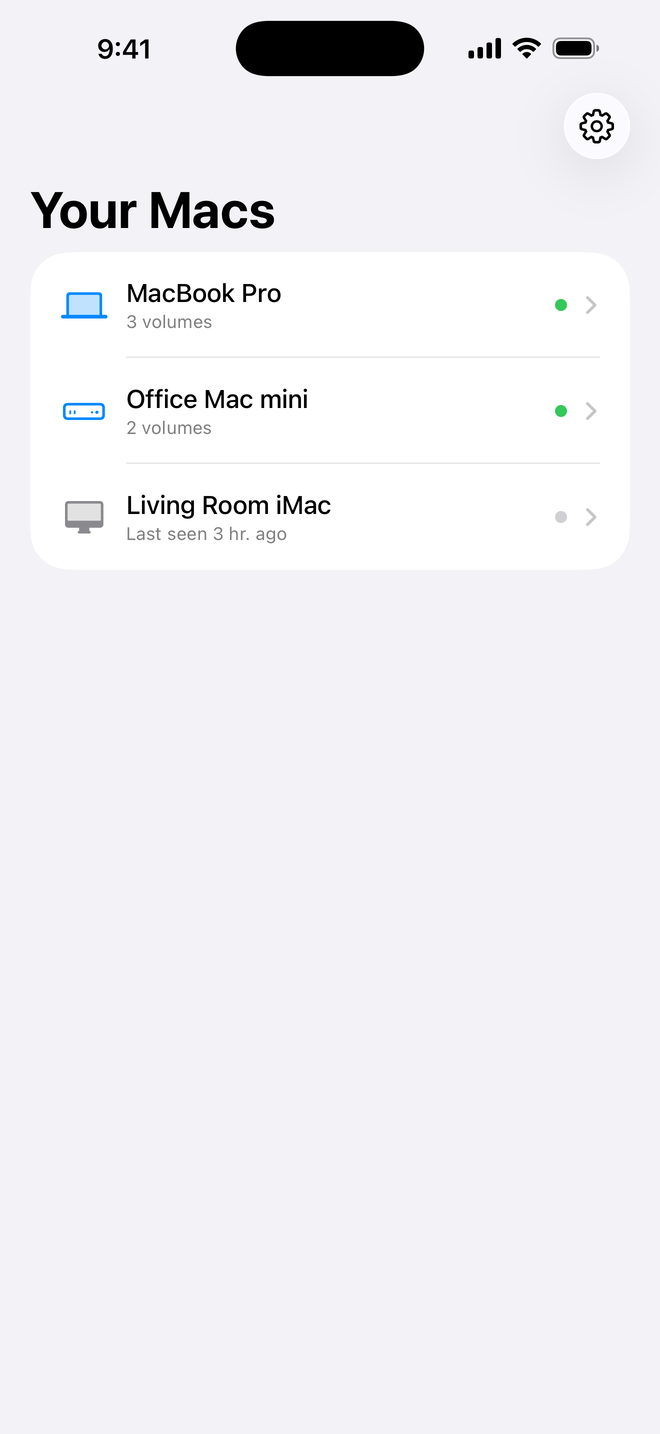
Every Mac you own
MacBook, mini, Studio or iMac — each with its volumes and online status.
One window of settings. That's all.
iPhone control and AI assistants are off until you switch them on. Nothing leaves your Mac unless you choose the relay, and your drives are never seen by anyone but you.
Light, private, and out of your way
No dock icon, no background noise, no account, no tracking. Ejectify does one thing extremely well — and never collects your data.
Questions? Visit support →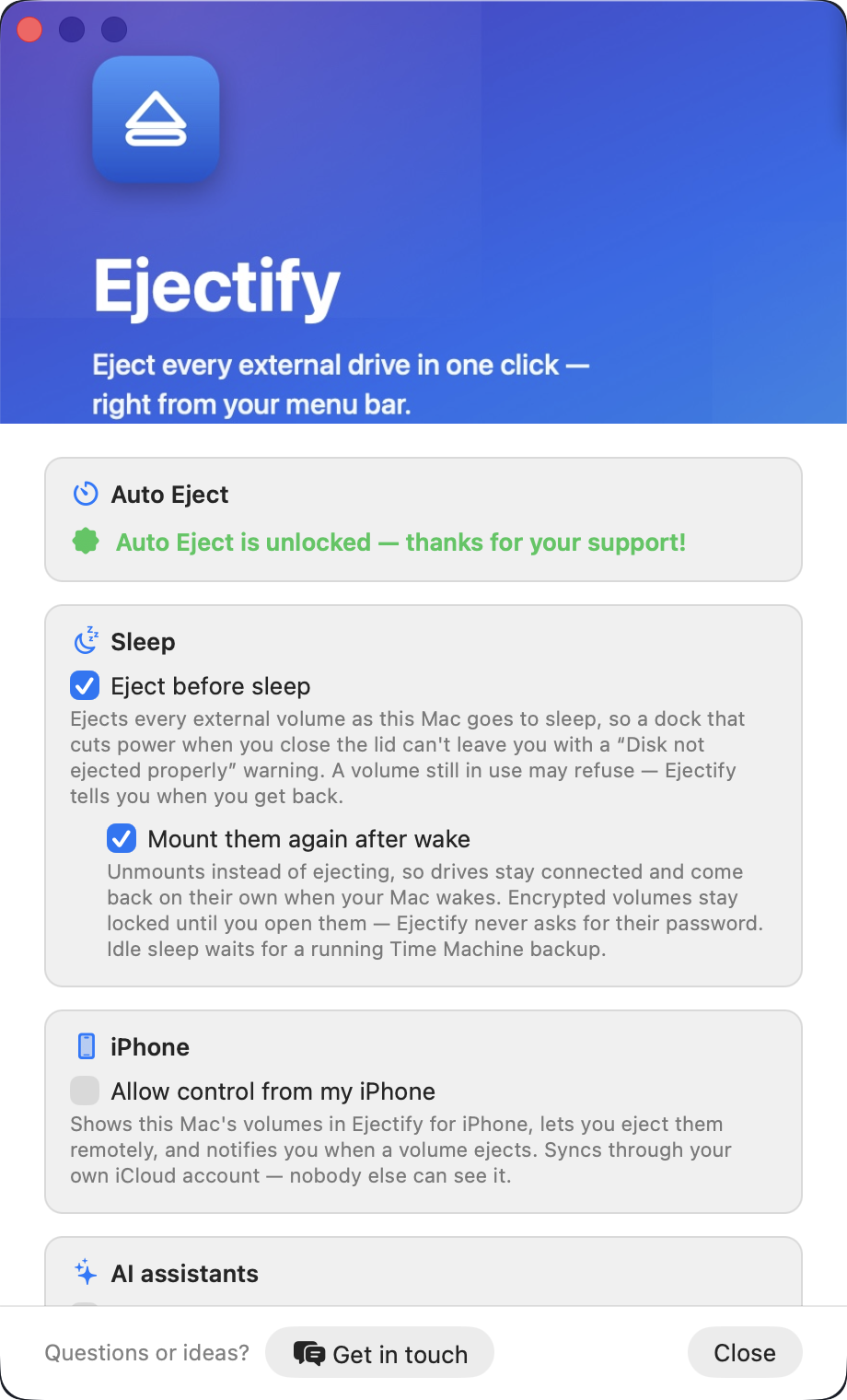
Free to use — with an optional Premium unlock
Ejectify is free: eject all your drives, eject them one by one, and see everything in real time at no cost. The Auto-Eject timer is the one Premium feature — unlock it with a single one-time purchase of $3.99. No subscription, ever.
Download on theApp Store